File Explorer
The File Explorer lets you browse the ontology and encoding files in your project.
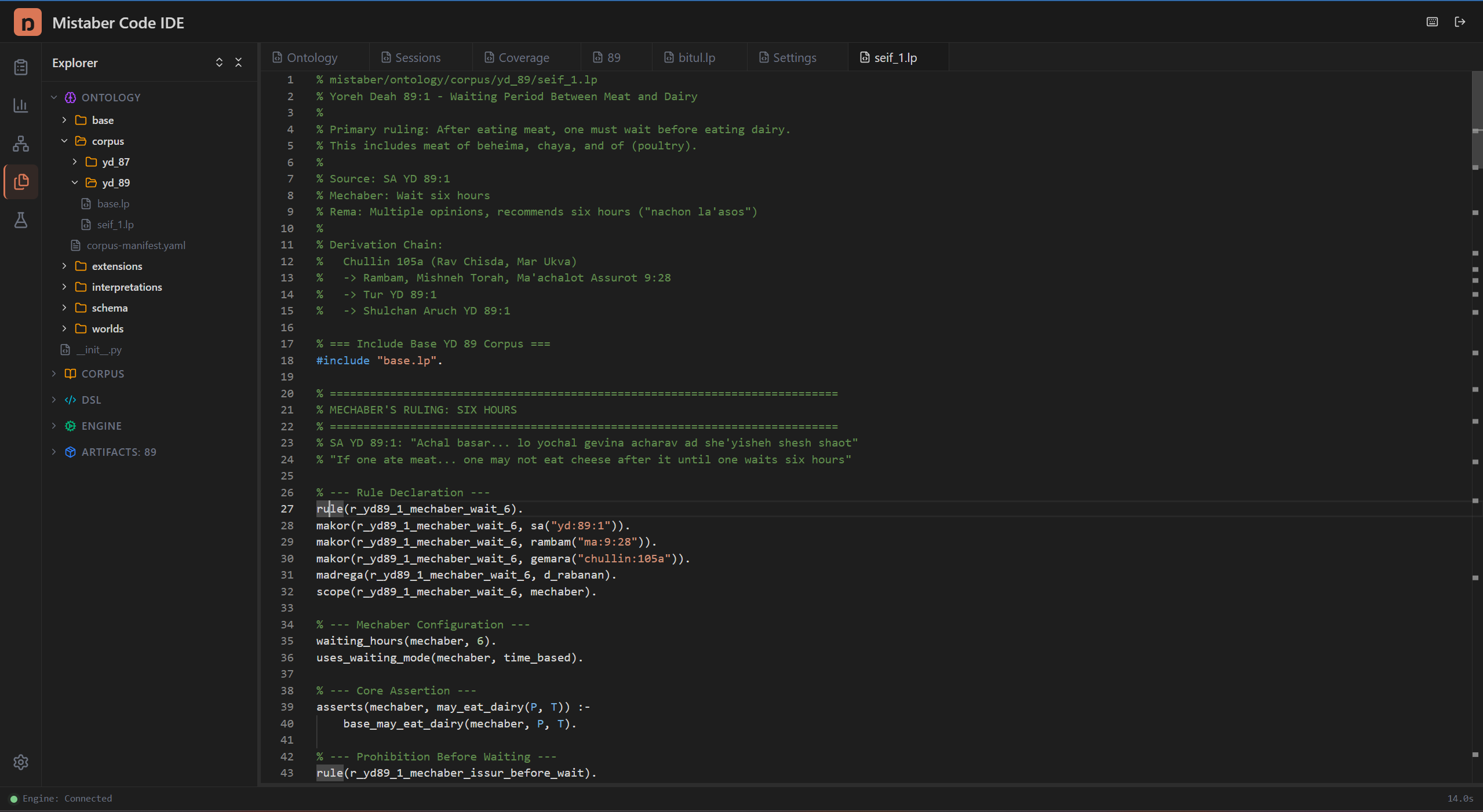
Opening the File Explorer
- Click the Files icon (folder) in the Activity Bar
- The Explorer Panel appears in the sidebar with a search bar and collapsible sections
Navigating Files
The explorer shows three collapsible sections:
Explorer — The project file tree. Expand folders to browse ontology LP files, schema definitions, and encoding rules. Click any file to open it in the Code Editor.
Sessions — Your encoding sessions list (same as the Sessions Panel). Click a session to switch to it.
Coverage — A summary of encoding coverage metrics (collapsed by default). Expand to see a quick coverage overview without switching panels.
Searching Files
Type in the search bar at the top of the panel. The search filters the file tree in real time — only files matching your query remain visible.
Opening Files
Click any file in the tree to open it as a tab in the Editor Area. Common files you'll work with:
- ontology/schema/sorts.lp — Sort definitions
- ontology/schema/constraints.lp — Constraint rules
- ontology/meta.lp — Generated meta-predicates
- Session encoding files in your session's worktree
Tips
- Use search to quickly find a predicate definition across LP files
- The file explorer shows the main project tree — your session's worktree files are accessible through the Terminal
- Collapse sections you're not using to save sidebar space